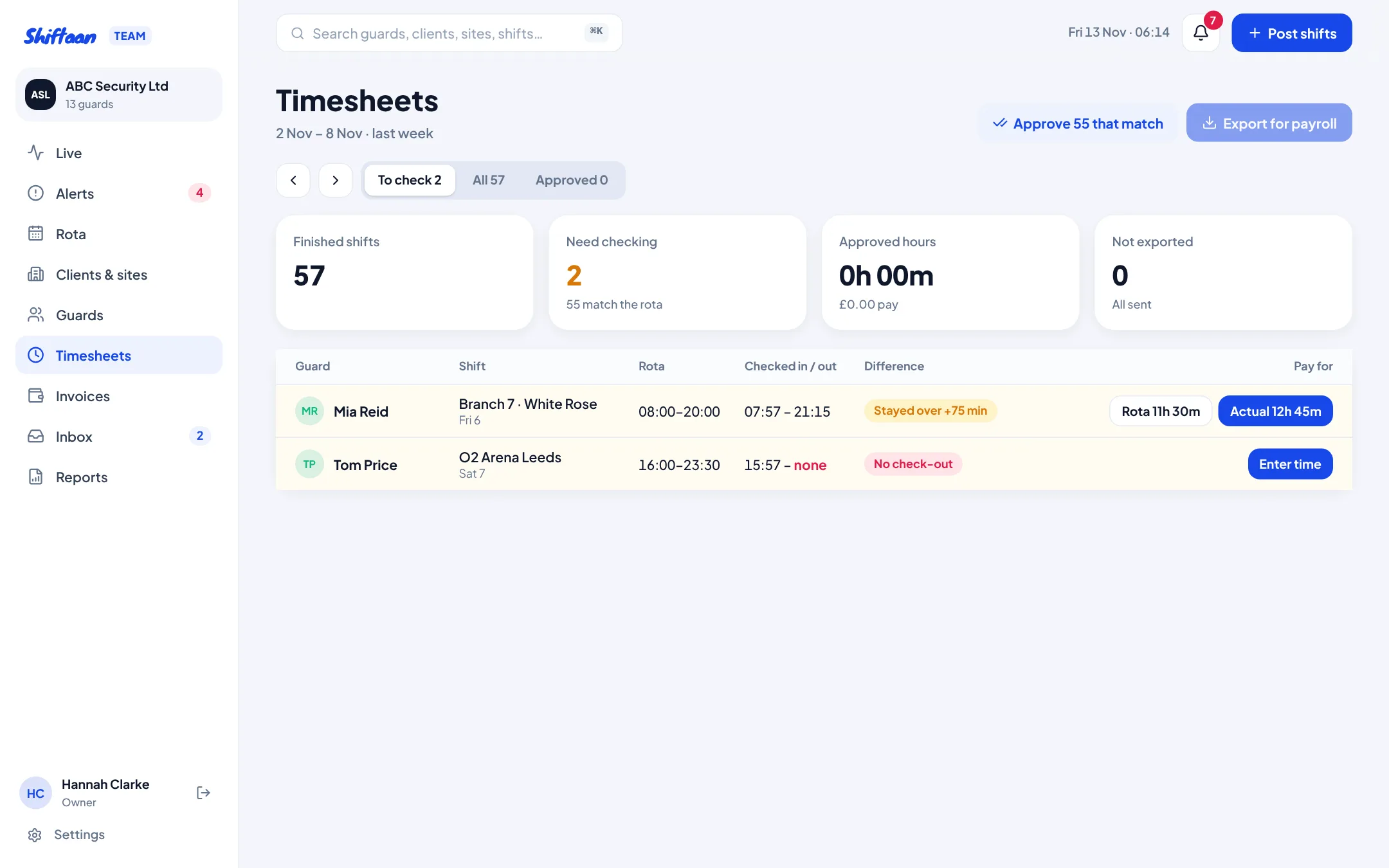
Every shift checked against the rota
Each finished shift shows the rota time next to the actual check-in and check-out. Shifts that match are approved in one click. The rest are flagged: late (more than 5 minutes), stayed over, left early or no check-out. For each one choose to pay the rota, pay the actual, or enter the time with a reason. Guards see the decision and can reply if they disagree.
Export to payroll
Export approved timesheets as a CSV with guard, date, site, client, rota and actual times, paid hours, pay rate and pay. Anything still to check is held back, so payroll only ever gets approved hours.
Invoices built from approved hours
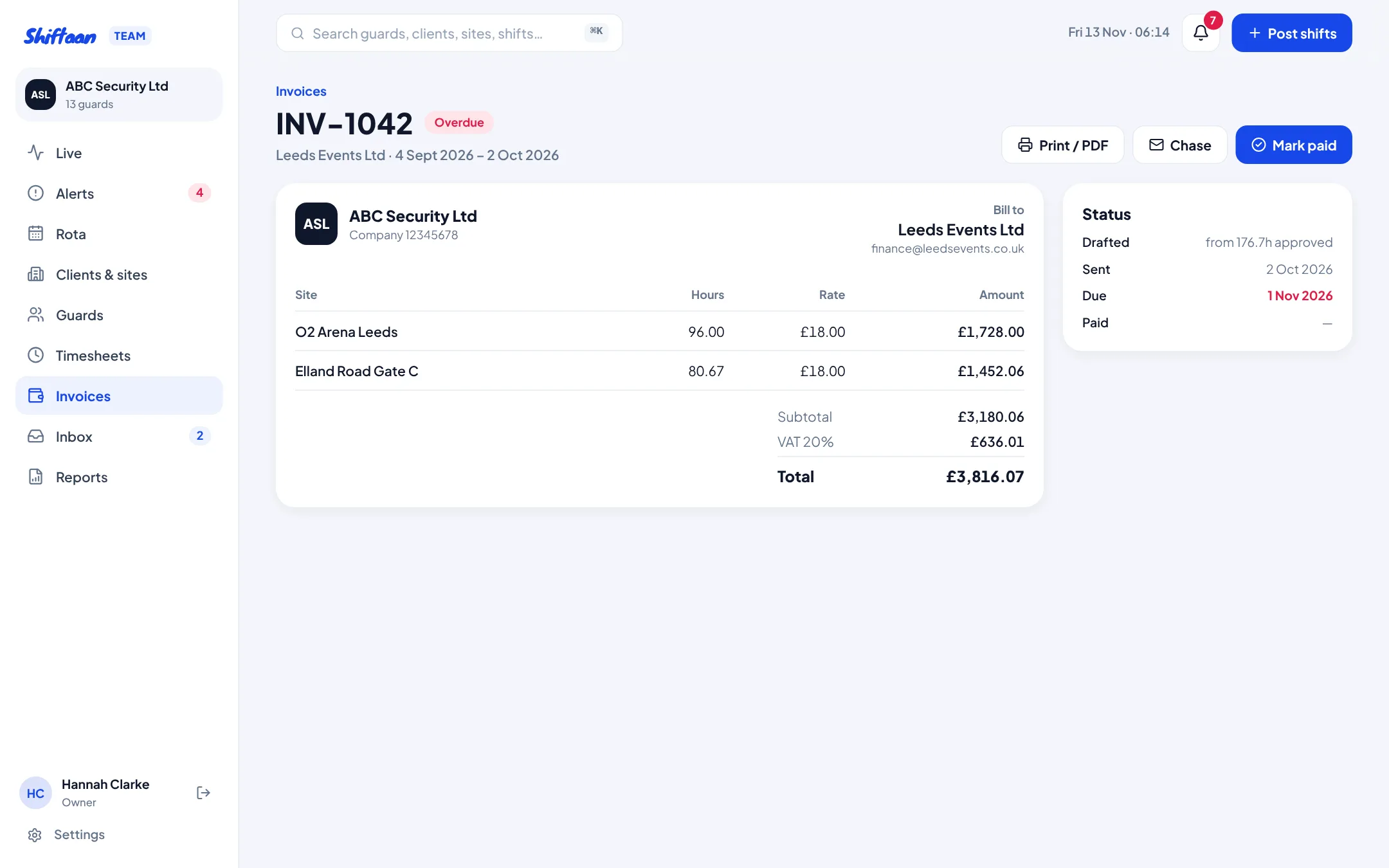
Choose a client and a date range and Shiftaan drafts an invoice with one line per site, the approved hours and the client's charge rate, plus VAT. Check it, then email it to the client's accounts address with a link to the shifts and check-ins behind it. Overdue invoices are flagged with a one-click chase.
Short-notice cancellations paid correctly
Set your notice period (12, 24 or 48 hours). Cancel a shift inside it and Shiftaan works out what the guard is owed, tells them, and keeps it on their record as paid. See short-notice cancellation pay.
Common questions
Can I still enter hours by hand?
Yes. For a missing check-out you enter the start and finish with a reason; the guard sees it and can disagree.
Does it do payroll?
It produces approved hours and pay per guard for your payroll software or bookkeeper. It doesn't run PAYE itself.